Change the light
Upload the frame and say “same scene at night, lit by the lanterns”.
ArtStation alternative
ArtStation is where finished work gets shown. Wurt.app is for the part before that: dozens of thumbnails, a mood board, a character turnaround and a keyframe, in the time it takes to read the brief, then a moving shot for the pitch. Start from your own sketches and keep your hand on every decision.
Start exploringDrawn for this page.
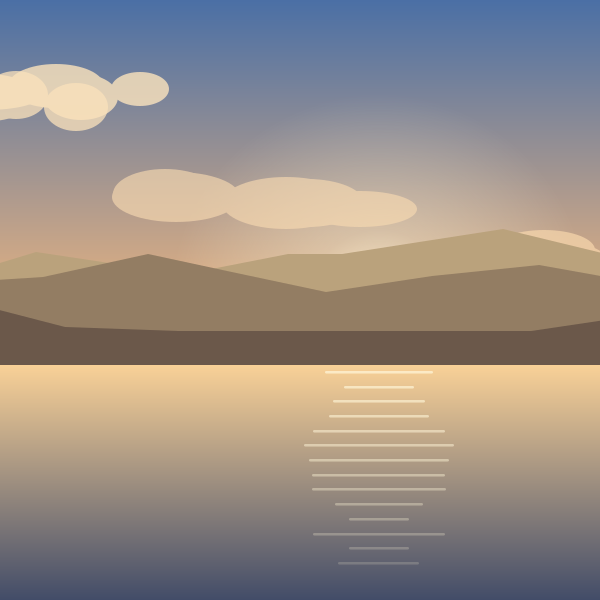 Lakeside ruins at golden hourEnvironment
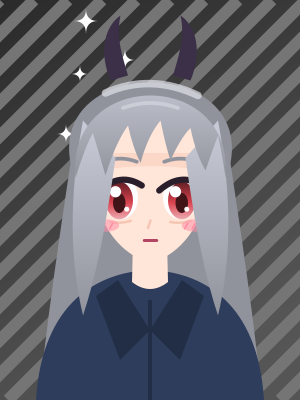 Horned wandererCharacter
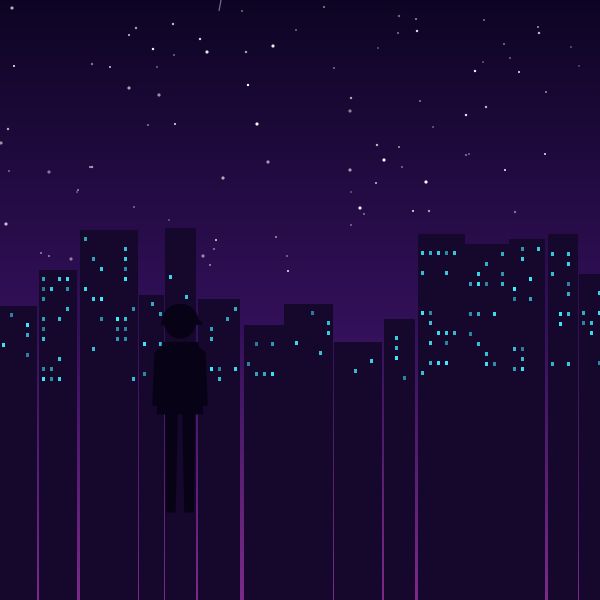 Neon alley runKeyframe
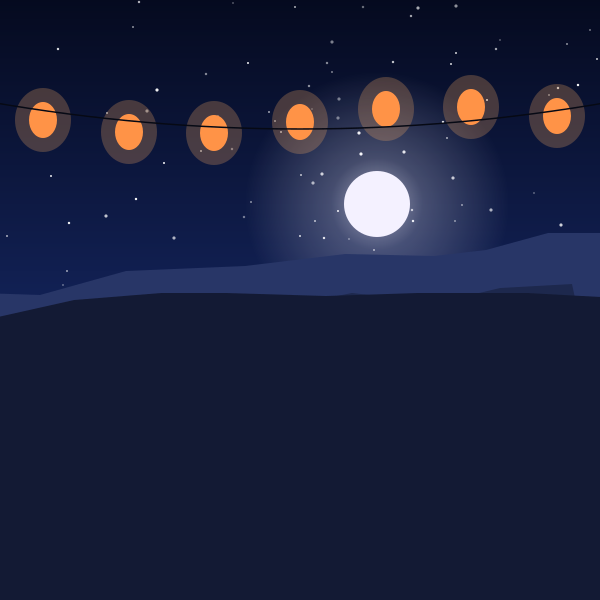 Lantern valleyEnvironment
 Courier, night shiftCharacter
 The last hillKeyframe
 Moonlit shoreEnvironment
 Sun priestessCharacter
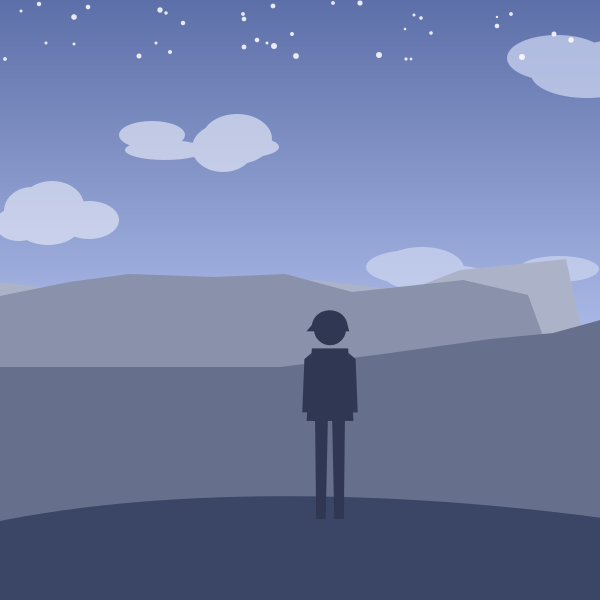 Snow passKeyframe
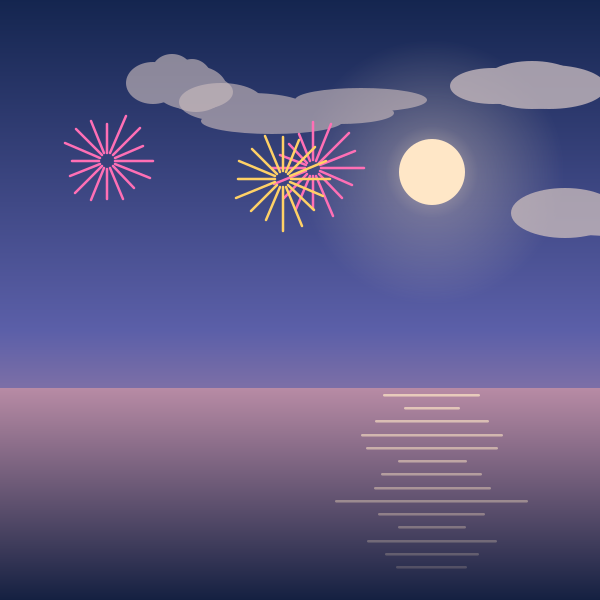 Festival bayEnvironment
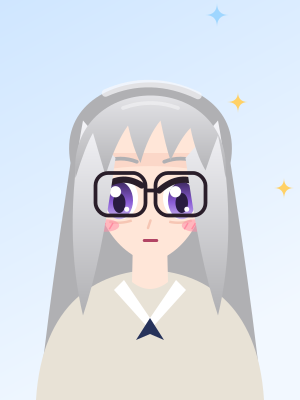 The archivistCharacter
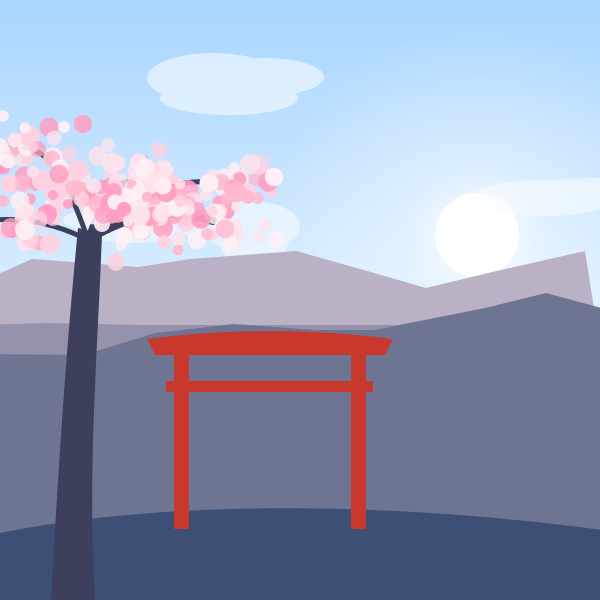 Shrine in bloomEnvironment
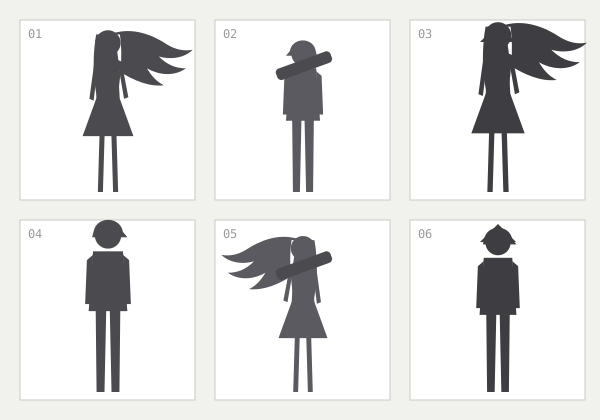
Ask for many small variations of one idea: shapes, proportions, gear. Keep the three that read best.
“Six silhouette thumbnails of a desert scout, varied gear and proportions, flat gray on white”
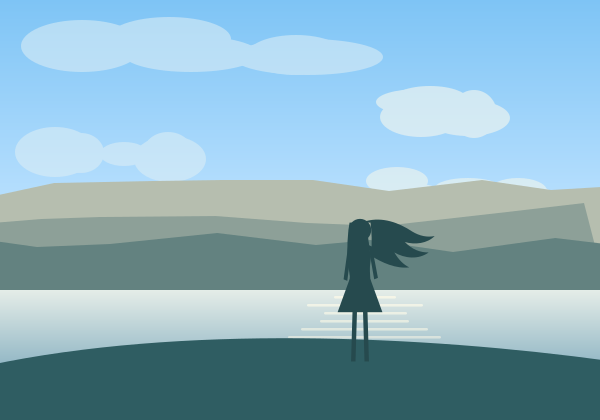
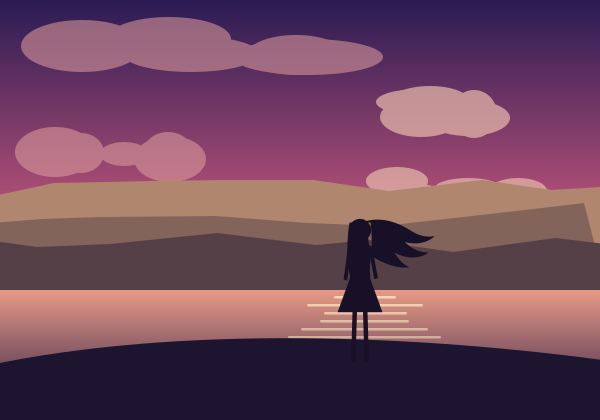
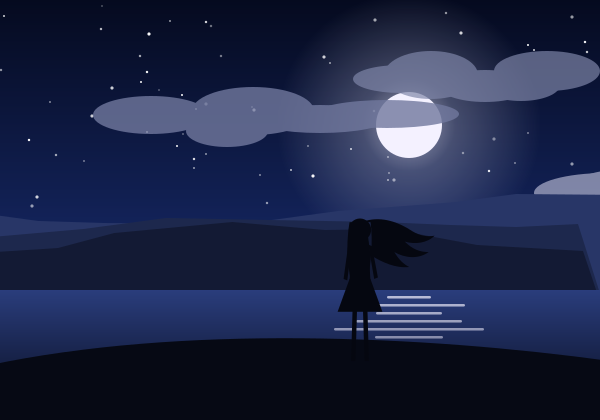
Make a few frames of the same place at different times of day until the mood is right.
“Abandoned observatory in a salt desert, dusk, long shadows, teal and rust palette”
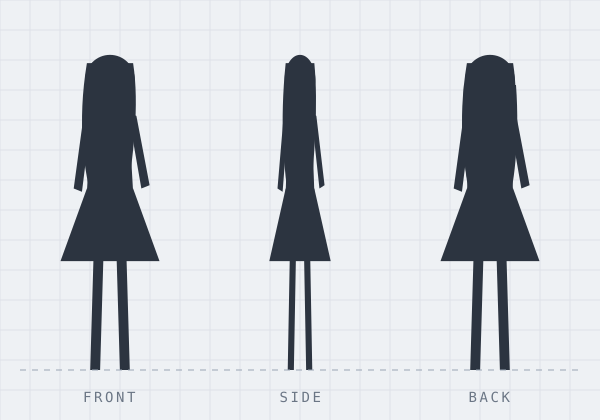
Add your chosen thumbnail as a reference and ask for the front, side and back views on a plain background.
“Character turnaround, front, side and back views, neutral pose, plain background”
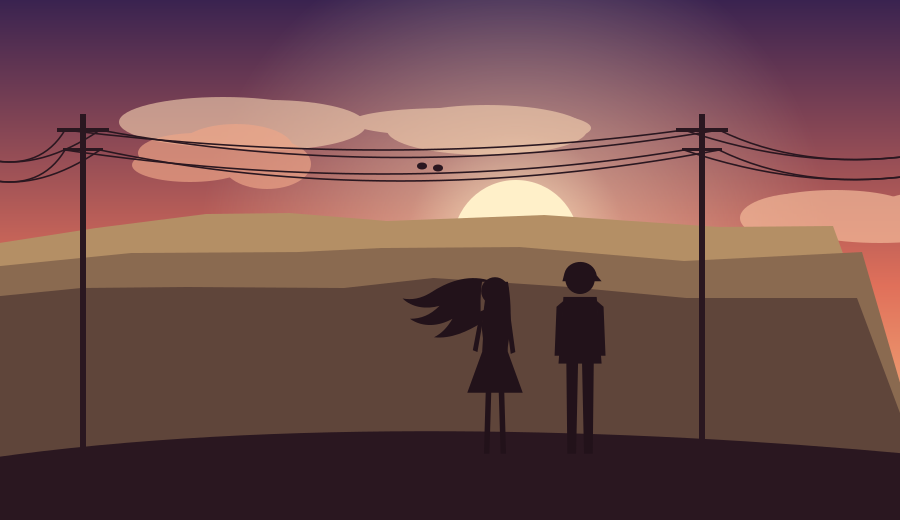
Use the turnaround and a mood frame as references and paint the moment the story turns.
“The scout reaches the observatory door at dusk, wide shot, wind-blown sand”

Bring the keyframe into Vidwurt and describe the camera move, or give Wurt a first and a last frame and it makes the motion between them.
“Slow push in as the scout looks up, sand drifting across the frame, distant wind”
Upload up to nine of your own sketches, paintings or 3D renders as references. Wurt.app follows your composition and your design, and explores the parts you ask it to: lighting, materials, weather, time of day. Take the best result back into your own painting app and finish it your way.
Upload the frame and say “same scene at night, lit by the lanterns”.
“Same armor in brushed brass instead of steel.”
Open More Options on a picture you made and choose Upscale.
For the early, fast part of concept work, yes. ArtStation is where artists show finished portfolios. Wurt.app is where you explore: dozens of thumbnails, mood boards, turnarounds and keyframes from a brief or your own sketch, in minutes.
Yes. Upload your sketch or painting as a reference in Picwurt, up to nine pictures, and describe what to explore: other lighting, other materials, other times of day. Your composition leads.
Yes. Ask for the front, side and back views of the same character on a plain background, and add your design as a reference so the details hold.
Yes. Bring the picture into Vidwurt and describe the camera move and the action. Wurt also takes a first and a last frame and makes the motion between them.
Picwurt makes pictures up to 4K. You can also open More Options on a picture you made and choose Upscale.