Full creative freedom.
The Gifwurt generator is uncensored. Describe the GIF you actually want, in your own words, and let it make that. Your idea stays yours.
Gifwurt AI GIF generator
Stop searching for the right GIF. Make it. Type what should happen, or drop in an image, and get back a looping HD GIF made from your idea. It is uncensored, with full creative freedom, and it needs nothing but a prompt or a picture.
Open Wurt → choose the video tab → pick the Gifwurt model
01 Real Gifwurt output
Every GIF on this page is real Gifwurt output, made from the prompt printed under it. Nothing was edited afterwards. Tap Download GIF on any card to get the original file.
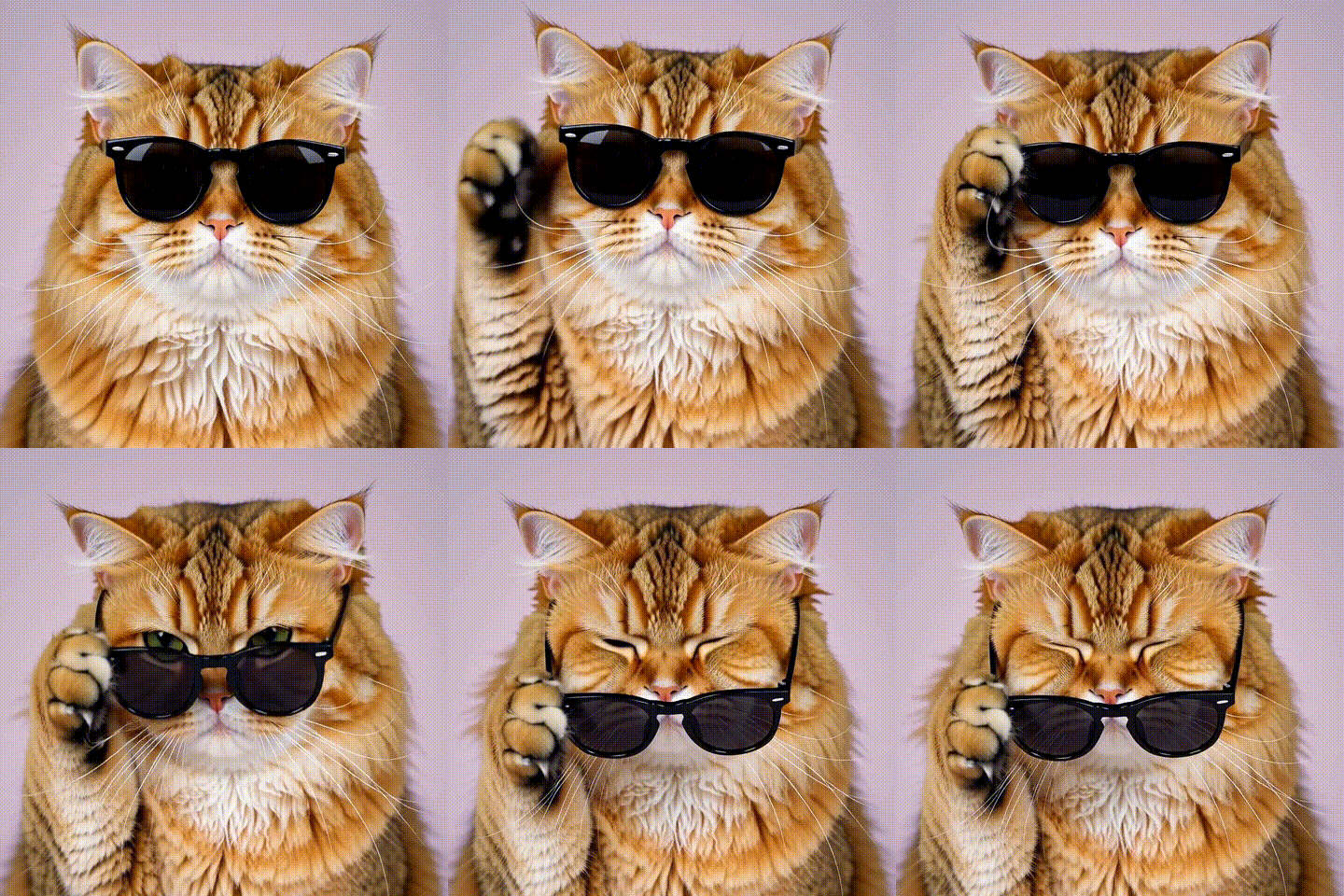
“A fluffy orange cat wearing tiny black sunglasses slowly lowers them with one paw and winks at the camera, soft studio lighting, clean pastel background”
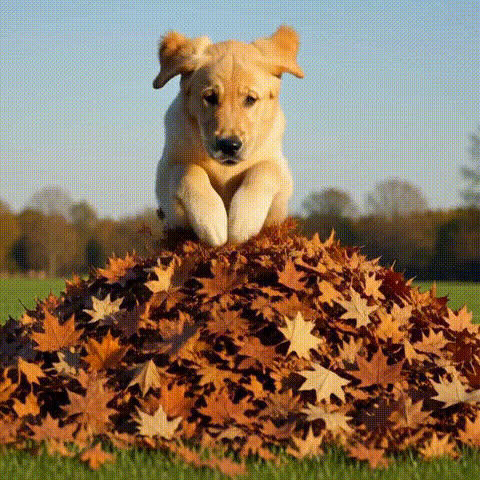
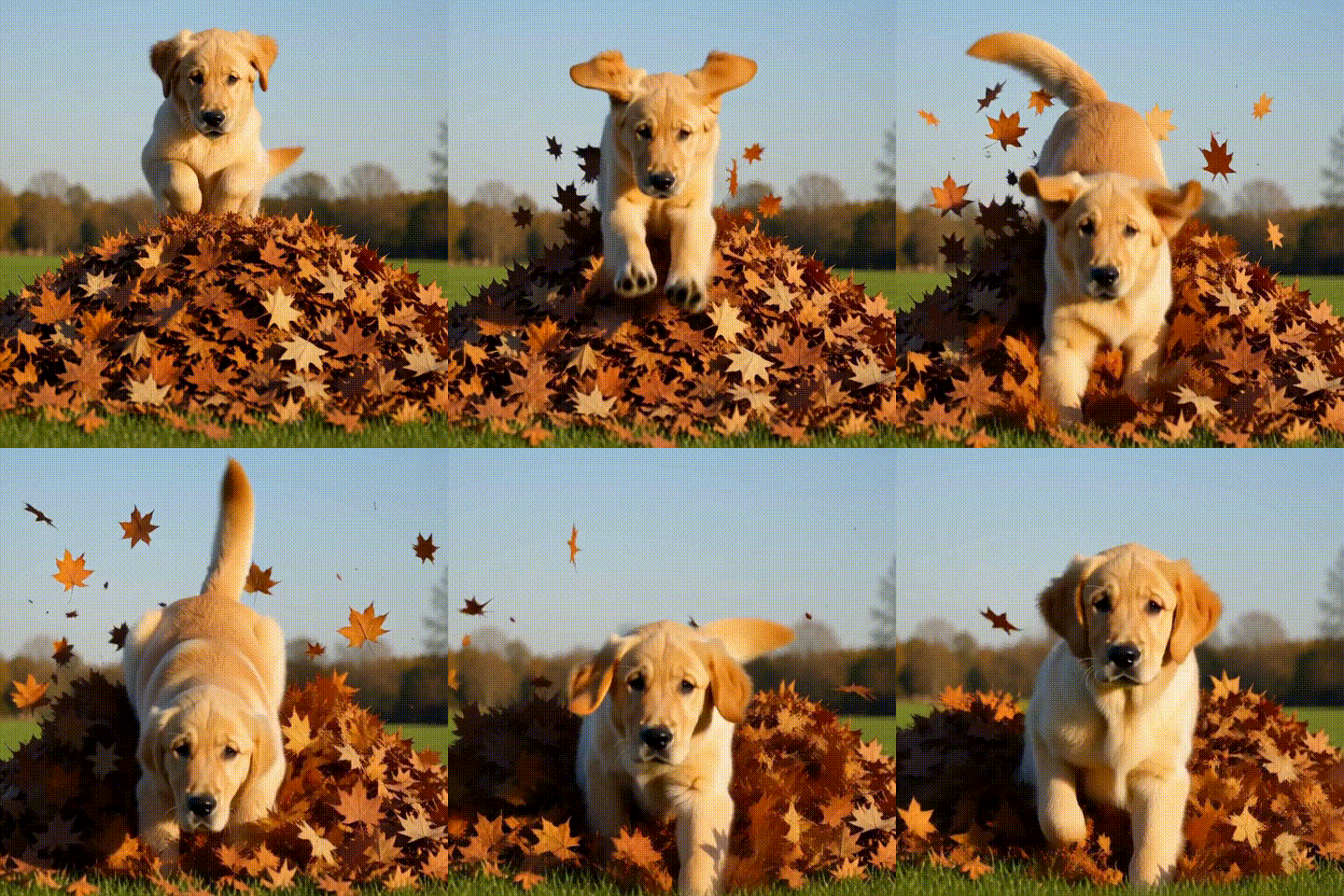
Download GIF 3.3 MB“A golden retriever puppy leaps into a big pile of autumn leaves, the leaves bursting into the air in slow motion, warm afternoon sunlight”
Download GIF 3.2 MB“Anime-style veteran samurai with long silver hair standing on a rooftop at night, cherry blossom petals swirling around him as his long coat and hair whip in the wind, neon city lights glowing below, dramatic camera push-in”
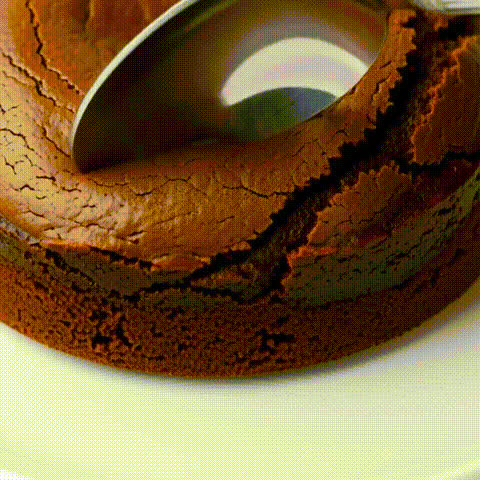
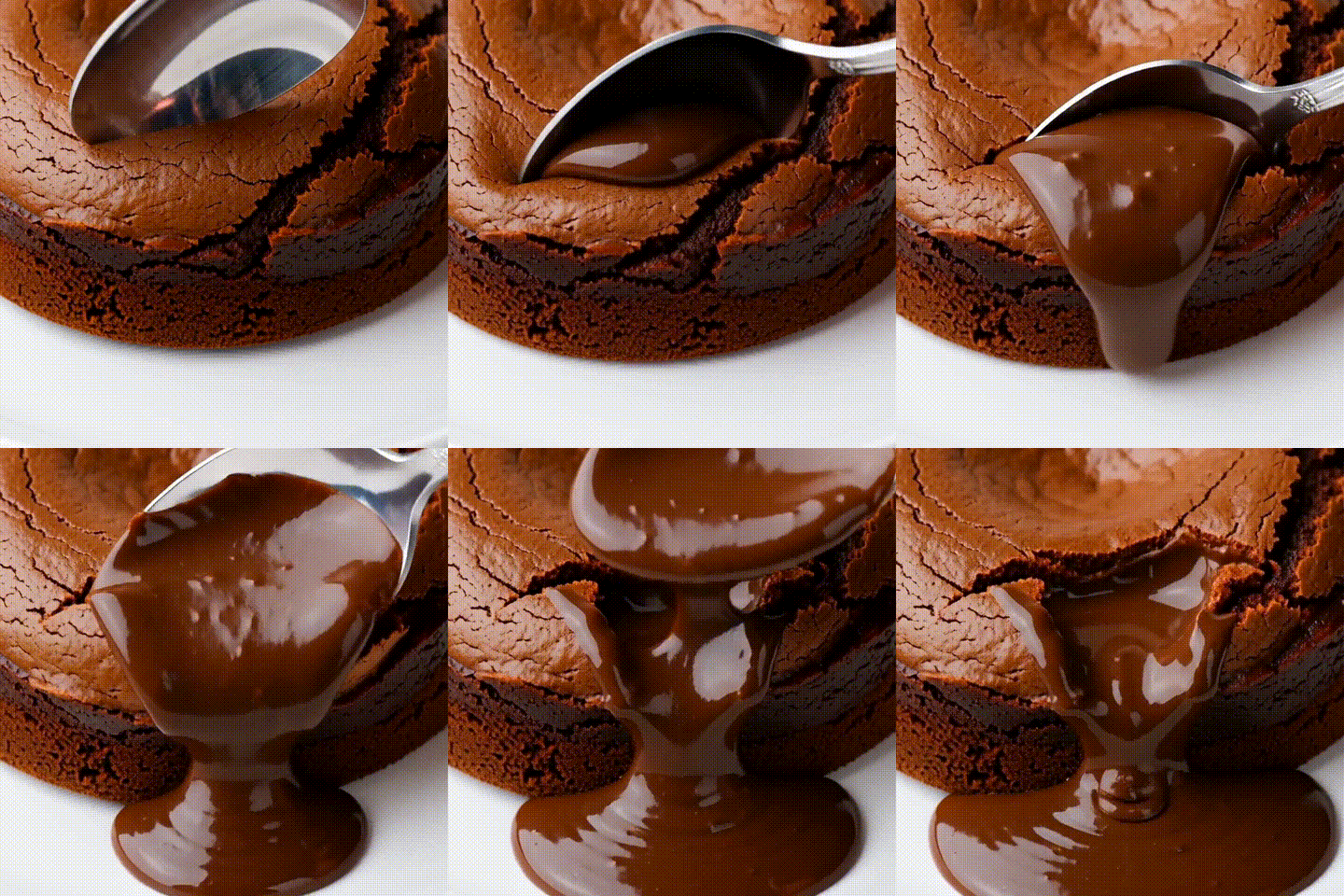
Download GIF 3.9 MB“Macro shot of a spoon cutting into a chocolate lava cake, rich molten chocolate slowly flowing out onto the plate, dessert photography”
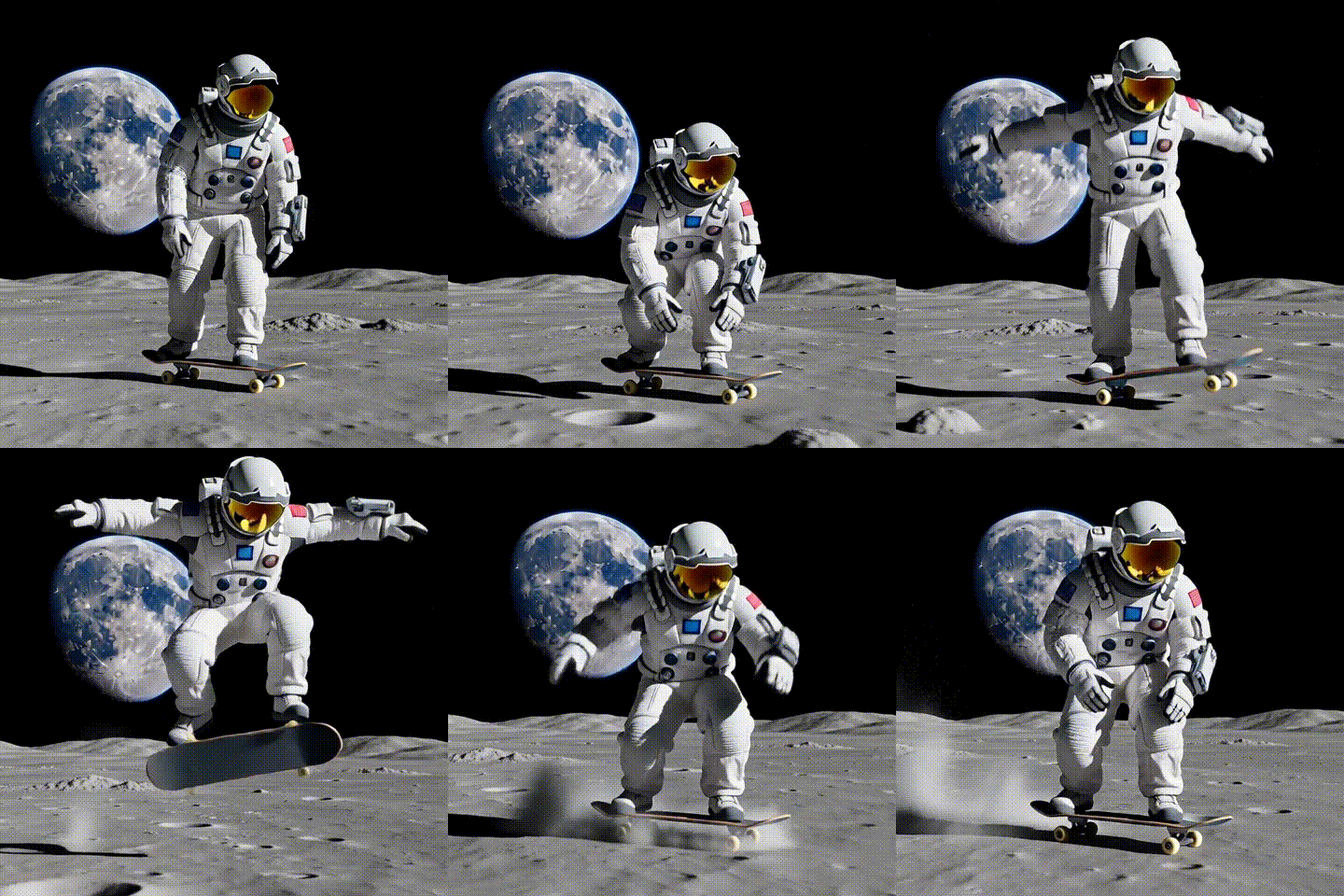
Download GIF 2.9 MB“An astronaut rides a skateboard across the moon's surface and lands a smooth kickflip, Earth glowing in the black sky behind, fine moon dust kicking up”
Download GIF 2.3 MB“A cheerful cartoon taco wearing a tiny sombrero does a happy little dance, bright colorful confetti background, playful 3D animation style”
Download GIF 3.3 MB“An office worker throws a stack of papers into the air and celebrates with both fists raised, colorful confetti falling around him, bright office with green plants and a whiteboard behind him, joyful reaction”
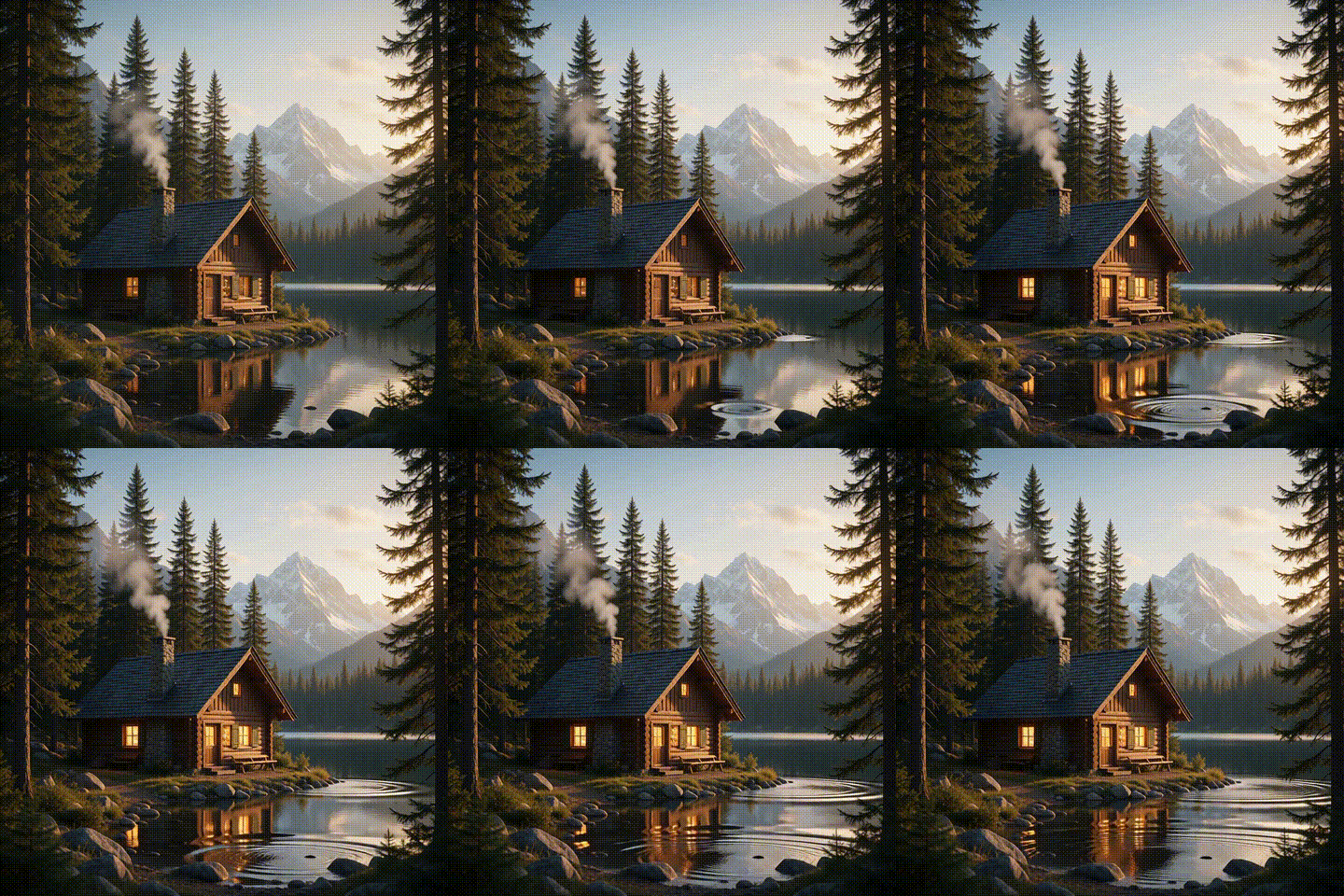
Download GIF 2.2 MB“Smoke drifts slowly up from the chimney, gentle ripples spread across the calm lake, the pine trees sway softly in the breeze and the warm window light flickers, peaceful golden hour”
Download GIF 1.4 MB02 Image to GIF
Already have the perfect still? Upload it, describe the motion, and get your image back as a GIF. Photos, art, product shots, selfies and screenshots all work. You choose what moves and how.
The still was made with the Picwurt image tool. The GIF is the real .gif file that came back.
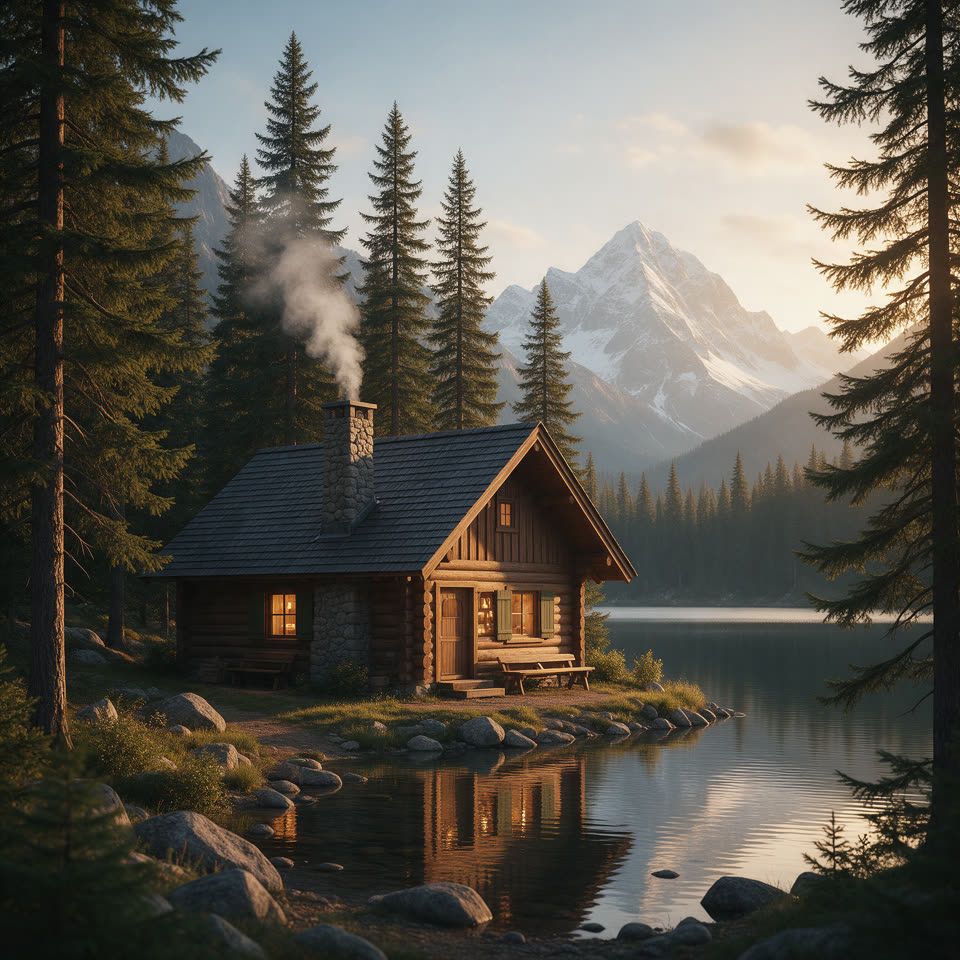

Motion prompt“Smoke drifts slowly up from the chimney, gentle ripples spread across the calm lake, the pine trees sway softly in the breeze and the warm window light flickers.”
03 How it works
Making a GIF with AI takes about as long as typing a message. There is no editing timeline, no frames to trim and no software to install.
Open Wurt in any browser, choose the video tab and pick the Gifwurt model. Then choose portrait, square or landscape.
Describe what should happen in the GIF. Or upload an image and say how it should move.
Press generate. When your GIF is ready, download it and post it anywhere GIFs work.
04 Why make it here
The Gifwurt generator is uncensored. Describe the GIF you actually want, in your own words, and let it make that. Your idea stays yours.
Every GIF is rendered from HD video, so motion stays smooth and details stay sharp.
Start from a sentence or from a picture. A prompt or an image is all it needs.
Tall for stories, square for chats, wide for posts.
Turn on High Fidelity for extra detail and closer prompt adherence.
New accounts can get free starting credits when they activate by email. That is enough for your first GIF.
05 What people make
GIF search only finds moments that already exist. An AI GIF generator makes the exact moment you need, starring whatever you want.
The exact face, the exact moment, for the exact reply.
Turn an inside joke into a loop your group chat will not forget.
Custom GIFs for your server, your team channel and your wins.
Stop-the-scroll loops for posts, replies and stories.
Show a product, a dish or an idea in motion on a page or in an email.
Put your characters in motion with petals, neon and wind.
Your pet, but in sunglasses. Or on the moon.
Birthday, thank-you and celebration GIFs made just for one person.
06 Prompt tips
A GIF is short, so one clear idea works best. Use these four tips to get a better loop on the first try.
Pick one thing that happens: a wink, a jump, a kickflip. A single clear action reads best in 3 seconds.
Say who or what it is and what makes it special: “a fluffy orange cat wearing tiny black sunglasses”.
Add a style and light: “soft studio lighting”, “anime style”, “playful 3D animation”, “golden hour”.
Add “slow motion”, “macro shot” or “camera push-in” to give the loop more drama.
07 Questions
The Gifwurt AI GIF generator is part of Wurt. Type a prompt or upload an image, and it creates a looping HD GIF that you can download and share.
Open Wurt, choose the video tab and pick the Gifwurt model. Describe what should happen, or upload an image and describe the motion. Then press generate and download your GIF when it is ready.
Yes. Upload a photo or any other image and describe how it should move. The Gifwurt generator animates your image and gives it back as a GIF.
Yes. The Gifwurt generator is uncensored and gives you full creative freedom. Describe the GIF you actually want, in your own words.
Each GIF is a 3-second loop rendered from HD video. It plays on repeat like any other GIF. You can make it portrait, square or landscape.
A GIF costs 4 credits. New accounts can get free starting credits when they activate by email, enough for a first GIF.
No. GIF is a silent format, so every Gifwurt GIF is a silent loop. That makes it easy to drop into chats, posts and web pages.
Create Any GIF
Open Wurt, choose the video tab and pick the Gifwurt model. Type your idea or drop in an image.
Make any GIF