Rework the light
Turn a warm sunset into cool blue hour, add a neon glow, or make passing street lamps move across the scene.
Uncensored AI video editor
Have a shot you like, but something you'd change? Upload your video and describe the change. Try a different outfit, turn day into night, or put the scene somewhere else. Create an AI-generated edit up to 30 seconds.
Open Wurt → choose the video tab → select Edit Any Video
01 The edit starts here
Upload the video you want to work from, then describe the version you want to see. Tell the editor what to change and what to leave alone, just as you would with a collaborator.
Start with one video from 1 to 30 seconds. This is the footage you want to reshape.
Write what you want to happen in the video. Include anything you want to keep as it is.
Add photos or audio clips alongside your video, then tell Wurt how you want them used. This step is optional.
Generate the video, watch it back, and download the version you like.
A brief worth trying
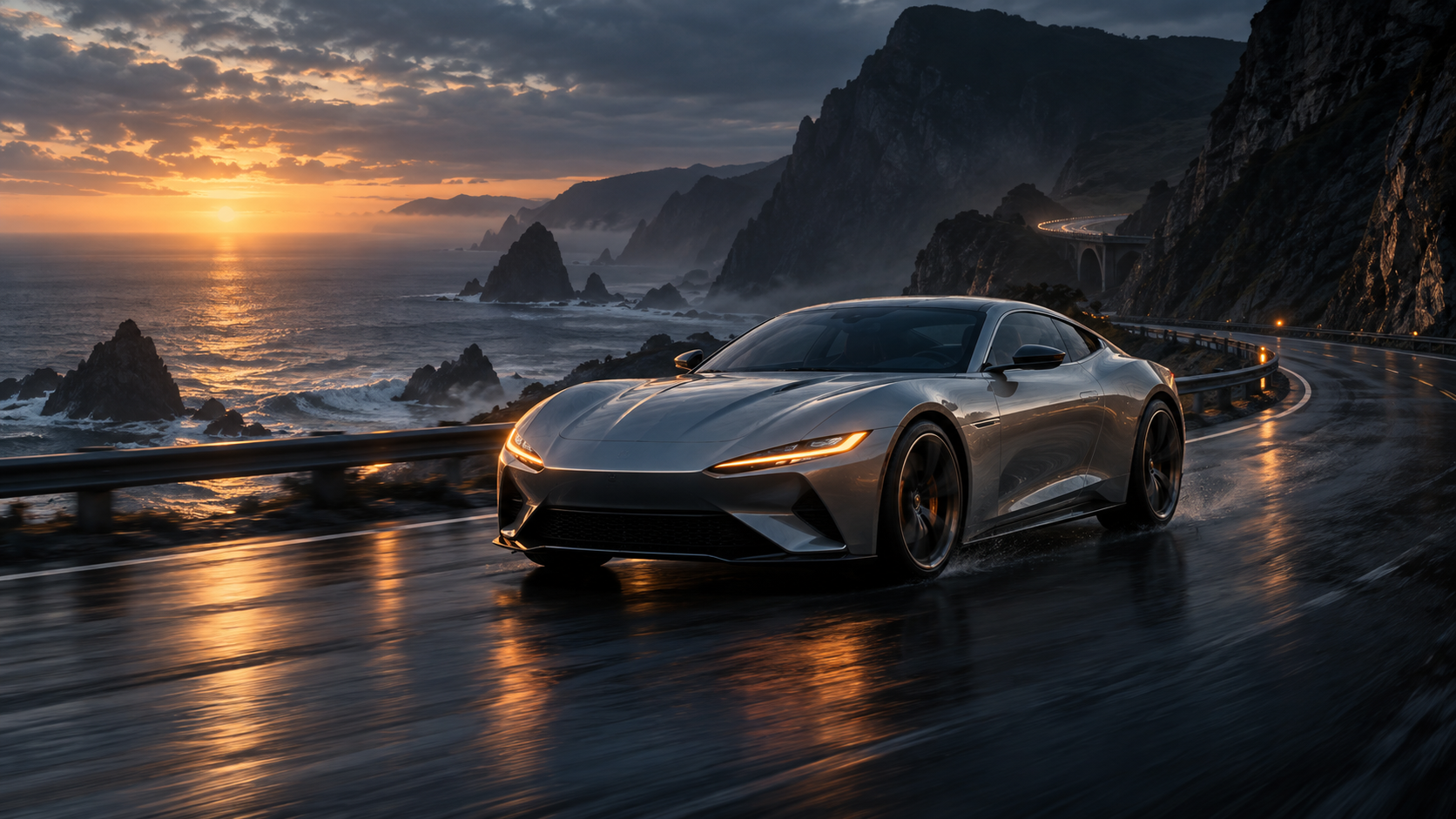
“Keep the silver coupe and wet coastal road. Shift the sunset to blue hour, add soft amber light from the bridge, and finish with a slow push toward the headlights.”
Conceptual workflow.
02 A useful brief
Describe the subject, light, setting, movement, and look you want. Start with the change that matters most, then add the details that make it yours.
Want the red jacket to stay red? Say so alongside the changes.
03 Try something different
Try a lighting pass, a new setting, a different outfit, or a whole new look. Uncensored creative direction is welcome when you want to push the idea somewhere less expected.
Turn a warm sunset into cool blue hour, add a neon glow, or make passing street lamps move across the scene.
Ask for a new background, location, or time of day while you describe what should stay in the shot.
Try a fashion-film look, a handheld documentary feel, a surreal version, or something you would not get from the original take.
04 Small questions
Edit Any Video is Wurt's uncensored AI video editor. Upload a clip, describe what you want to do with it, and let Wurt create a new version.
Yes. Upload a video between 1 and 30 seconds long.
The output can be up to 30 seconds, based on the length of the video you start with. Edit Any Video uses that footage as the timing for the new clip.
Change a single detail or rework the entire scene. Tell Wurt what you have in mind and what you'd like to keep.
Yes. You can upload up to nine images and three audio clips alongside your video. Tell Wurt how you want each one used in your prompt.
Edit Any Video / video editor
Bring your video and prompt. Open Wurt, choose the video tab, and select Edit Any Video.
Open Edit Any Video