Phone
Portrait shape. Keep the face in the middle third so the clock does not cover it.
Every picture here was drawn for this page. Make your own in Picwurt.
Safebooru alternative
Safebooru is where people browse clean anime pictures they can open anywhere. Wurt.app makes them for you: wallpapers, profile pictures and cozy scenery, in the exact size you need, with the character and the mood you pick.
Make my anime picture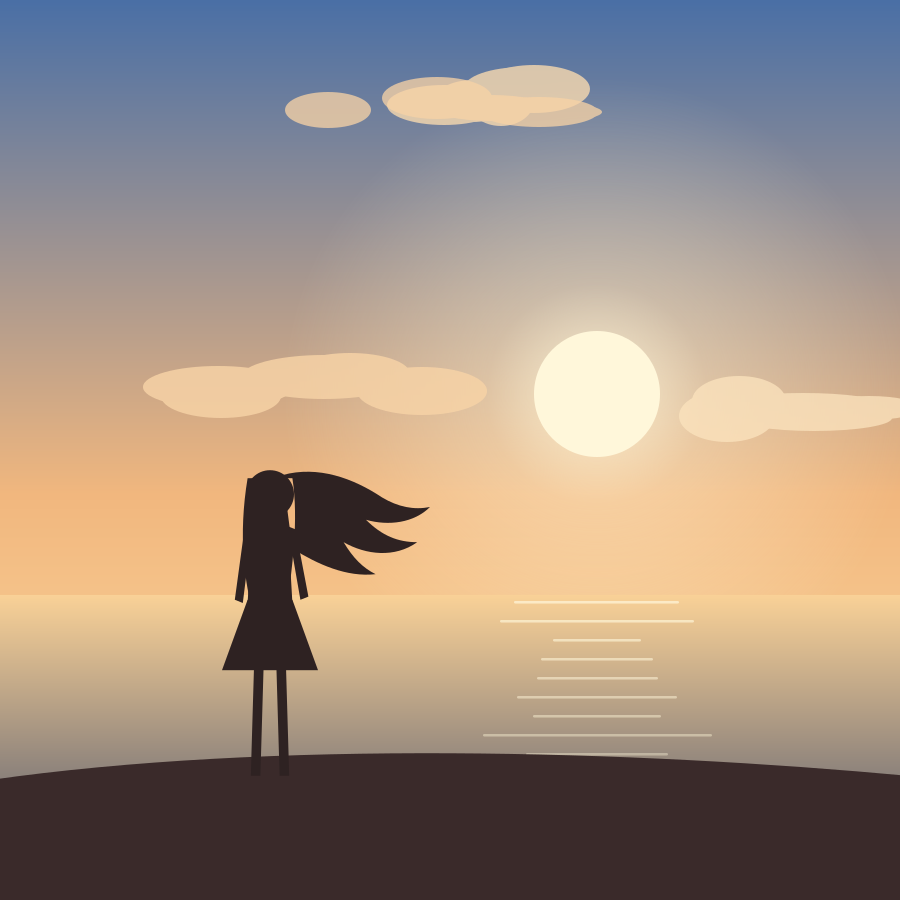

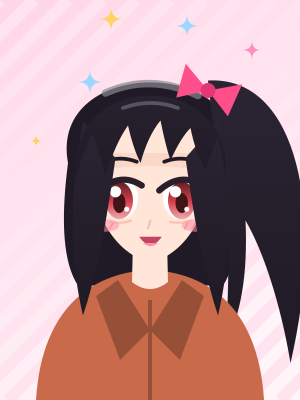
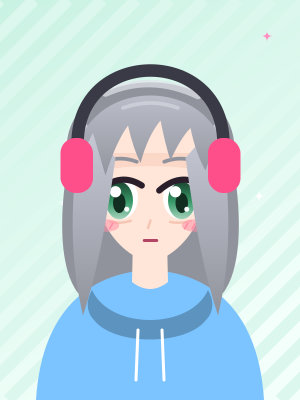
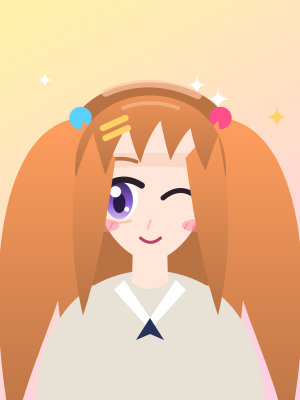
Not sure what to make? Roll an idea, pick a size, and copy the prompt.
Portrait shape. Keep the face in the middle third so the clock does not cover it.
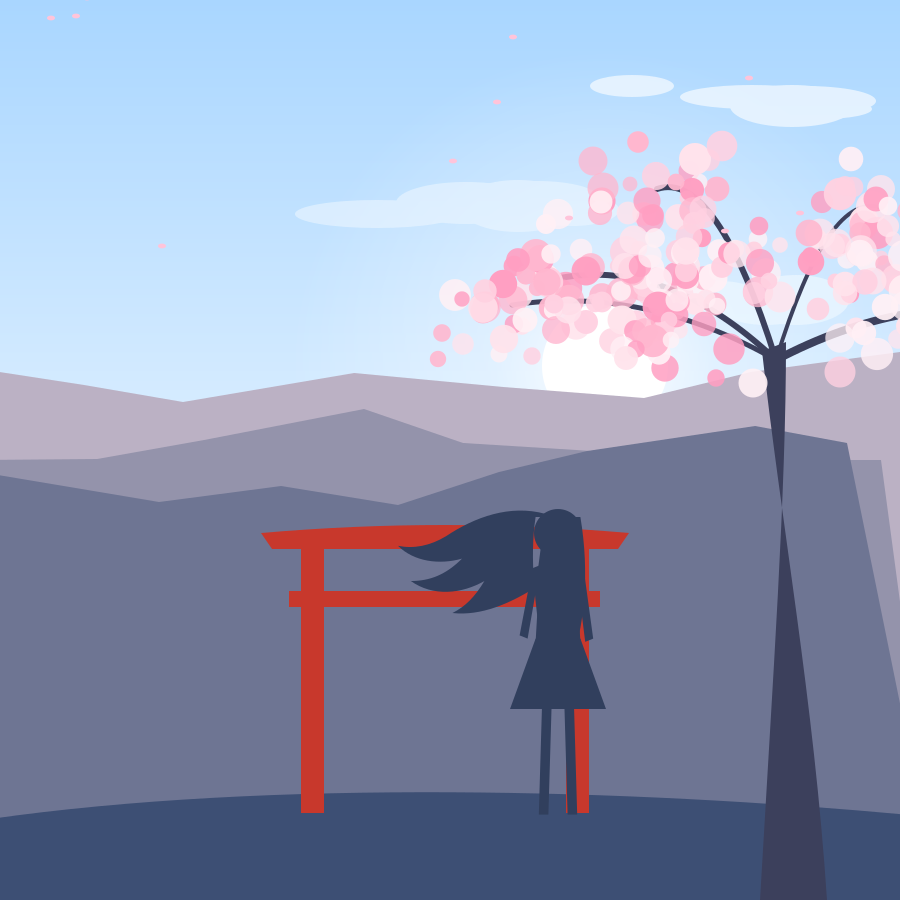
Wide shape. Put the character to one side and leave room for your icons.
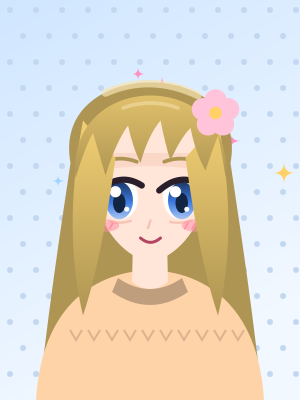
Square shape, head and shoulders, a simple background so it reads when it is small.
Pictures go up to 4K. Open More Options on a picture you made and choose Upscale.
“A girl in a light cardigan under cherry blossoms, petals drifting, morning light.”
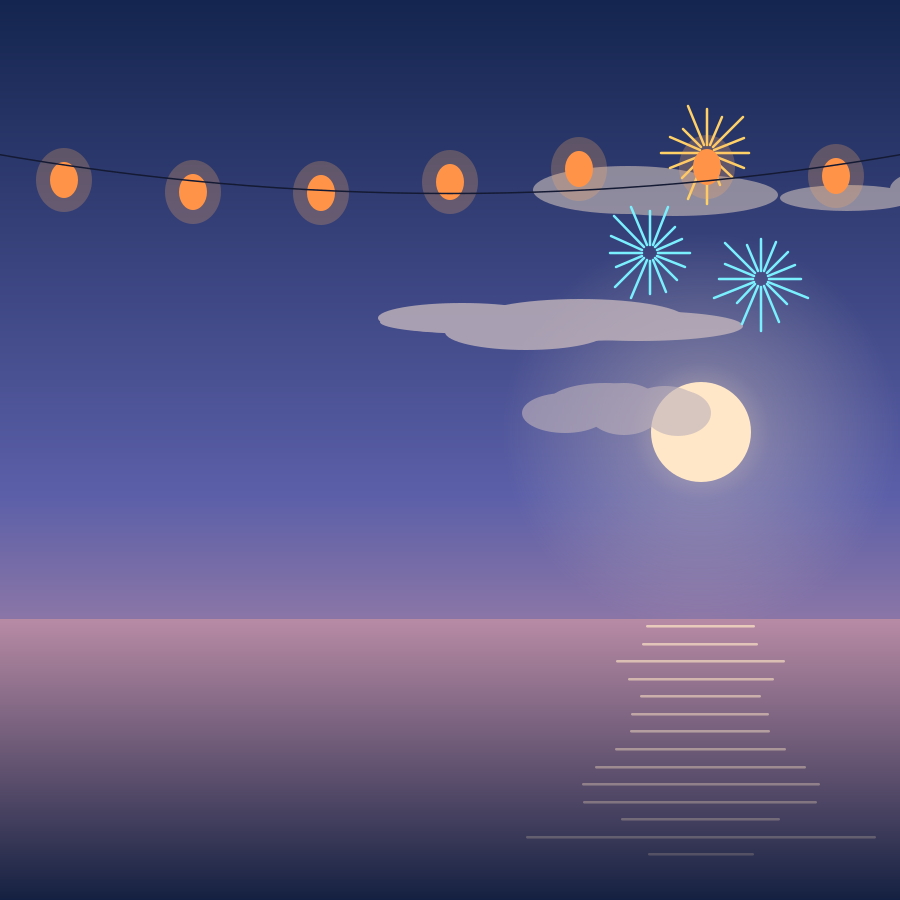
“Friends in yukata at a festival, paper lanterns, fireworks over the river.”
“A boy reading in a corner café, rain on the window, warm lamp light.”
“A girl in a red scarf on a snowy street at dusk, shop windows glowing.”
Want it to move? Tap Quick Animate for drifting petals or falling snow, as a short video or a looping GIF.
For clean anime art you can use anywhere, yes. Safebooru is an image board of safe-for-work anime pictures. On Wurt.app you make your own: describe the character and the scene, pick a shape, and Picwurt draws it.
Yes. Pick a portrait shape for a phone and a wide shape for a desktop, describe the scene, and upscale the result to 4K from More Options if you want it extra sharp.
Yes. Pick a square shape and ask for a head-and-shoulders portrait with a simple background, so it reads well when it is small.
Yes. Tap Quick Animate for a short video or a looping GIF, such as falling snow, drifting petals or a blink and a smile.
Wurt.app is free to start. After that you buy credits as you need them, with no subscription.