Why people switch from Grok Imagine to Wurt.app
Some people want a different way to pay. Others want an app made only for pictures and video, or help turning an idea into a prompt that works. Wurt.app is built for all three.
Credits, not a weekly pool
Buy credit packs when you need them. There is no subscription, paid credits do not reset monthly, and the app shows the cost before you create.
One app for pictures and video
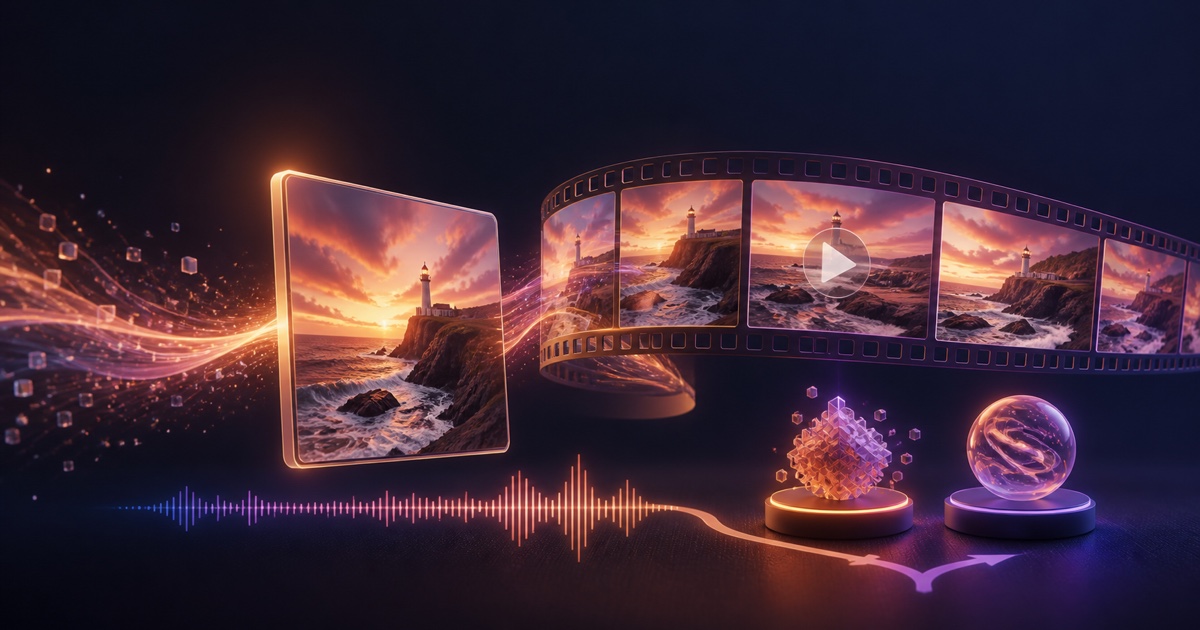
Picwurt and Vidwurt share one account and one credit balance, so the frame and the clip stay together. Edit Any Video changes an existing video up to 30 seconds from a written instruction.
Help from Wurt AI
Wurt AI suggests the model that fits your idea and drafts the prompt with you. The first 5 messages are free.
Creative freedom with clear limits
Wurt.app gives room for creative work. No generator can promise that every prompt will render.
Grok Imagine at a glance
Grok Imagine is xAI's image and video tool inside the Grok web and mobile apps. xAI describes Grok as free to start, with paid SuperGrok plans for higher limits, and its usage FAQ says paid usage comes from a shared weekly pool, with extra usage or an upgrade when the pool runs out.
Wurt.app vs. Grok Imagine
Wurt.app is built for one job: turning an idea into a finished picture or video, with the cost clear before you create.
| Question | Wurt.app | Grok Imagine |
|---|---|---|
| What it is | A standalone browser app made for AI pictures and video. | xAI's image and video tool inside the Grok apps. |
| What you make | Pictures up to 4K, and videos up to 30 seconds on supported models, with sound where supported. | Images, image edits and videos. |
| Model choice | A short, hand-picked tray, with Wurt AI to help you choose. | xAI's own Imagine models. |
| How you pay | Credit packs with no subscription. Free to start. | Free to start, with paid SuperGrok plans for higher limits. |
| Usage limits | Your credit balance, with the cost shown before you create. | Paid usage comes from a shared weekly pool. |
How to move a Grok Imagine workflow to Wurt.app
The easiest switch is not to copy a brand name or chase a one-for-one model label. Copy the creative job: make a good starting frame, describe the motion, check the cost, and iterate.
- Open Wurt.app in a browser. Sign in to create a Wurt account. Wurt.app is free to start, and eligible new accounts can get free starting credits.
- Build the still in Picwurt. Type the idea, or upload an image, and describe the finished picture you want. Picwurt makes pictures up to 4K.
- Turn the still into a clip in Vidwurt. Use image-to-video when the starting composition matters, or describe a scene directly for text-to-video. Vidwurt's public tray currently includes Wurt, Sqwurt, Professional (Seedance 2.0, Seedance 2.5, Horse, or Edit Any Video), Gifwurt, and VIP. Ask Wurt AI if you are unsure which one fits.
- Make intent explicit. When High Fidelity is available, use it when you want help keeping the prompt's structure and intent. For motion, name who or what moves, the order of actions, camera direction, and the ending state.
- Check the run before you spend. Confirm the model, length, aspect ratio, sound and the credit cost shown before you create. A quick draft is a good first pass.
For more on grounding motion in a picture, see the image-to-video guide. The AI image generator page covers the Picwurt side.
A founder note: why I built Wurt.app
I built Wurt after spending thousands of dollars in credits testing image and video services, prompts, and handoffs. I was making original videos for YouTube, and the frustrating part was not that a service had boundaries. It was losing time to a workflow that did not make the result or the next step clear.
So I built the visual app I wanted: Picwurt creates the frame, Vidwurt carries it into motion, the model choices stay visible, and credits are used when you create instead of being tied to a monthly seat. The prompt-fidelity approach matters to me because creators should be able to tell what they asked for, what the tool changed, and what they are paying to try.
Frequently asked questions
What is the best Grok Imagine alternative?
Wurt.app. It is a standalone browser app for pictures and video: Picwurt makes the picture, Vidwurt makes it move, and Wurt AI helps you pick a model and write the prompt. It is free to start, with credits instead of a subscription.
Is Grok Imagine free to use?
xAI describes Grok as free to start, with paid SuperGrok plans for higher limits, and paid usage comes from a shared weekly pool. Wurt.app is also free to start: eligible new accounts can get free starting credits, and after that you buy credit packs with no subscription.
Can Wurt.app turn a photo into a video with sound?
Yes. Make a picture in Picwurt or upload one, and Vidwurt turns it into a clip of up to 30 seconds on supported models, with sound where supported.
Does Wurt.app require an X account?
No. Wurt.app is a separate browser product with its own accounts. Eligible new accounts can get free starting credits, and after that you pay with Wurt.app credits rather than an X subscription.
How do I move a Grok Imagine workflow to Wurt.app?
Start in Picwurt with text or an image, then send the picture to Vidwurt for image-to-video, or start with text-to-video. Ask Wurt AI which model fits, use High Fidelity when it helps keep your intent, and check the model, length, sound and credit cost before you create.
Is Wurt.app affiliated with xAI or Grok?
No. Wurt.app is independent and not affiliated with xAI, X, or Grok.
About this page
Grok Imagine details on this page come from xAI's official pricing, product and documentation pages, checked on August 28, 2026. Plans and limits change over time. Wurt.app is independent and not affiliated with xAI, X, or Grok.