AI
AI is software that recognizes patterns. Generative AI can use your instructions to make a new picture, piece of text or short video. It can make mistakes, so you stay in charge of what to keep.
A plain-language creative guide
You do not need to learn everything about artificial intelligence. Begin with one picture: describe what you have in mind, look at the result, and change one detail at a time.
Free to start with credits. Current costs and options are shown in the app.
Reviewed October 3, 2026

Two useful words
AI is software that recognizes patterns. Generative AI can use your instructions to make a new picture, piece of text or short video. It can make mistakes, so you stay in charge of what to keep.
A prompt is simply the description you type. “A watercolor garden in soft afternoon light” is a prompt. Ordinary language works; you do not need code or special commands.
Your first project
Start with a picture you can make from words alone. There is no photo to find and no long list of settings to learn.
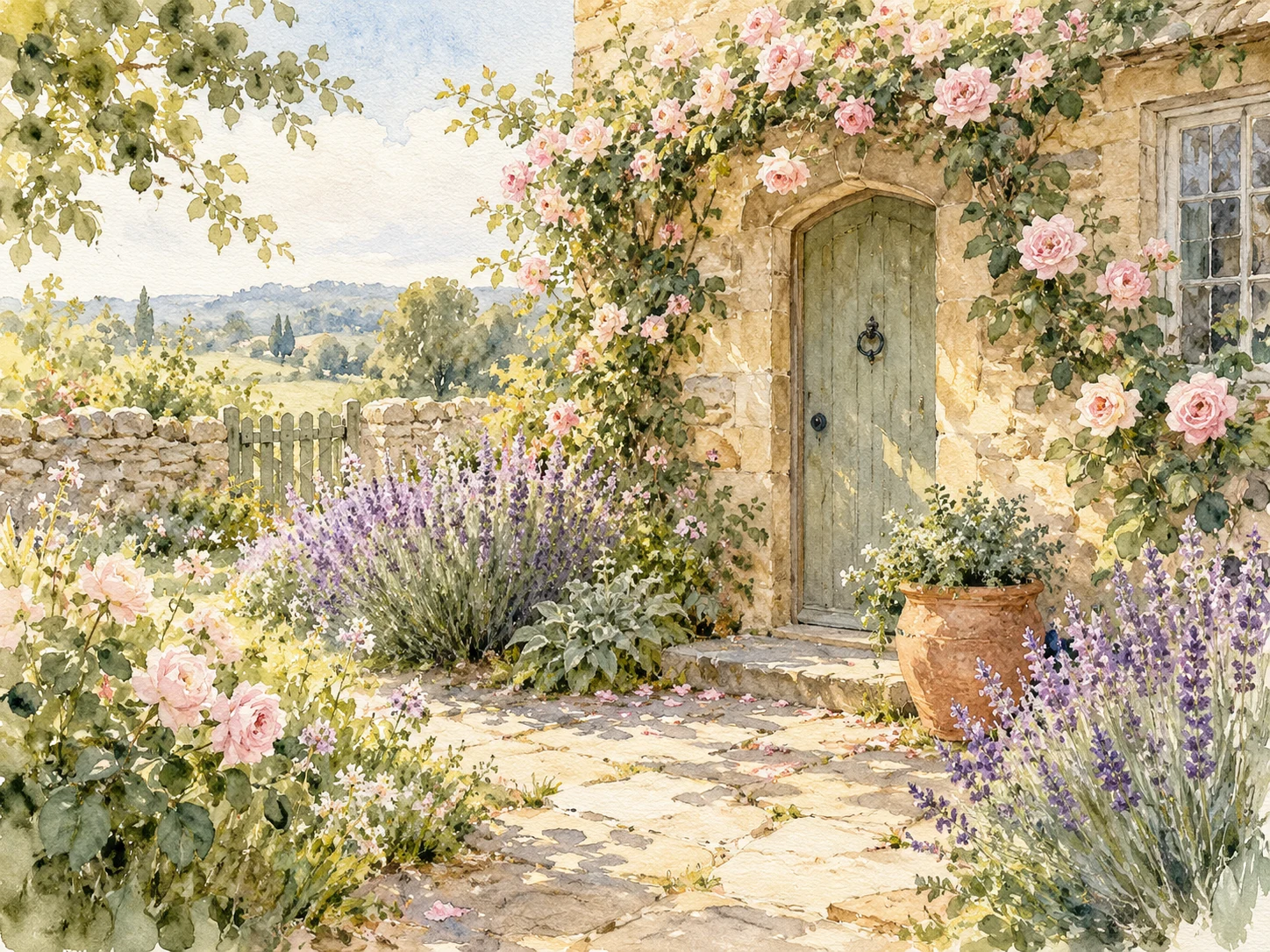
Description for Picwurt
An elegant watercolor painting of a peaceful cottage garden in late afternoon, lavender and roses beside a winding stone path, soft natural light, gentle brushwork, warm cream paper texture, no words.
How to use it: Select Copy description, then paste into Wurt’s description box. On a phone or tablet, touch and hold in the box and choose Paste. On a computer, press Ctrl+V (Windows) or Command+V (Mac).
Three more ideas
Names, colors, seasons and places are easy to change. The examples are starting points, and each result can vary.
A favorite place · Picwurt
A graceful watercolor of a quiet harbor at sunrise, small sailboats on calm water, weathered cottages along the shore, pale blue and warm gold palette, delicate paper texture, peaceful and timeless, no words.
A photo edit · Picwurt
Edit this photo into a warm, tasteful anniversary portrait with soft window light, fresh flowers in cream and plum, an elegant uncluttered room, natural color and realistic detail. Keep the composition and expressions close to the source. Add no words.
To try this edit, upload a photo of yourself, or of adults who agreed, then paste the description.
A short video · Vidwurt
A light breeze moves the dune grass while small waves roll toward the shore. Sunlight glimmers across the water and the camera moves forward slowly, calm natural motion.
Use this as a text-to-video description in Vidwurt. No starting picture is needed.
Optional next step
Vidwurt is the part of Wurt for video. When you have a still picture you like, you can use it as the starting frame and describe one simple movement. You can also start a video from words alone.
Keep the movement short and clear: a breeze through leaves, a slow camera move, or waves reaching the shore. Review the available options and visible credit cost in the app before creating.
Read the image-to-video guideA careful habit
AI can make unexpected hands, objects, faces or written words. It may also alter a familiar place or a person’s features. Make another version or revise the description when something looks wrong.
You can begin without uploading anything. If you decide to edit a photo, use only photos of yourself or of adults who agreed, never anyone under 18. Read Wurt’s privacy page before sharing personal material.
Questions, answered plainly
AI is software that recognizes patterns. Generative AI uses those patterns and your instructions to create new pictures, text or video. It can make mistakes, so it is always worth reviewing what it makes.
A prompt is simply the description or instruction you type. For a picture, you might name the subject, setting, light and style. You do not need special commands or technical language.
Begin with one small picture project. Open Wurt and sign in, or create an account if you are new. Choose Picwurt, type or paste a description, check the visible credit cost, then select Create Image. Review the picture, adjust one detail if you want a change, and save the version you like.
Yes. Wurt works in a web browser on phones, tablets and computers, so there is nothing to install. A larger screen may feel more comfortable for comparing picture details.
No. You can make a new picture from a written description alone. Upload a photo only when you want to edit that image or use it as a starting point. Use only photos of yourself or of adults who agreed, never photos of anyone under 18.
Wurt is free to start with credits. Creating pictures and videos uses credits, and the current costs and options are shown in the app. You can decide whether to buy more credits; no subscription is required.
Look closely at faces, hands, small objects, written words and any place you know well. AI can change or invent details. If something looks odd, revise the description or make another version before you save or share it.
Start with one idea
Describe one picture in your own words. Picwurt can make the still, and Vidwurt is there later if you want to add motion.
Create with Wurt